> ## Documentation Index
> Fetch the complete documentation index at: https://docs.wikio.ai/llms.txt
> Use this file to discover all available pages before exploring further.
# Welcome to Wikio AI
> Learn about Wikio AI and how to get started.
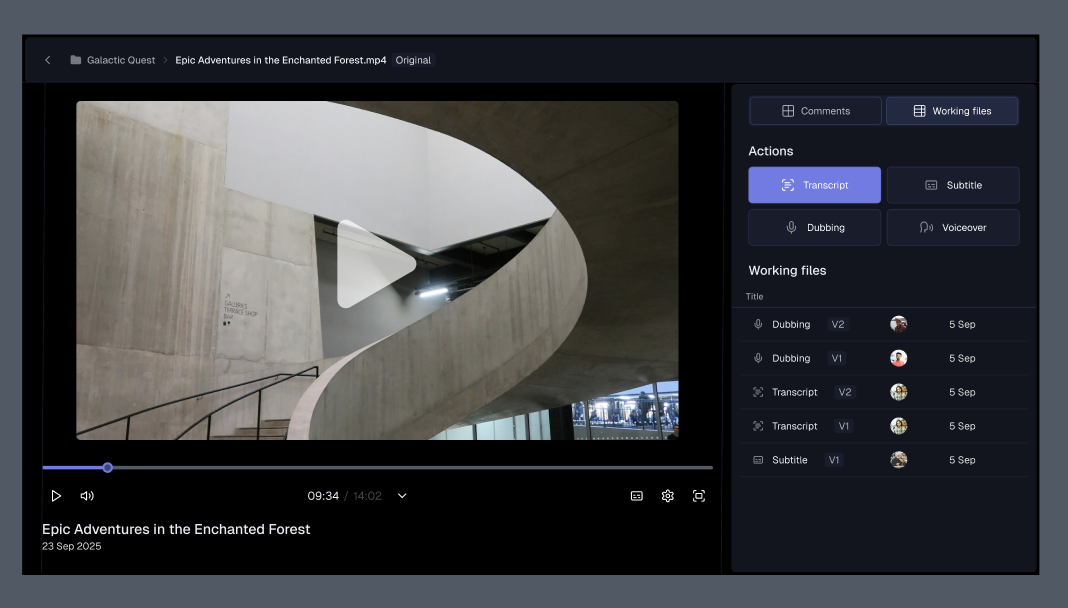
**Wikio AI** is an AI-powered media platform that helps organizations manage, transform, and publish their video content more efficiently. Upload your assets, set up projects, and let Wikio’s AI handle repetitive tasks such as transcription, subtitling, translation, and smart editing.
 Sign up, create your workspace, and start managing your media library in minutes.
Understand the key building blocks of Wikio—workspaces, teams, projects, assets, workflows, and collections.
Manage your account settings and preferences.
Explore Wikio’s API and learn how to integrate it into your workflows.
Stay up to date with the latest features, improvements, and workflow updates.
Join the Wikio community to ask questions, exchange tips, and connect with other teams.
## Core Features
Find assets and moments fast. Filter results and revisit past queries from search history.
Review media with a built in player that integrates the latest video playing features.
## Essentials
Everything you need to understand the core parts of Wikio.
Learn how to organize video productions from raw footage to final releases.
Manage your media library with tagging, search, and AI-powered indexing.
Work with team members on projects, assign tasks and collaborate.
## Support
For account, billing, or technical help, reach out to our support team at [**support@wikio.ai**](mailto:support@wikio.ai).
Sign up, create your workspace, and start managing your media library in minutes.
Understand the key building blocks of Wikio—workspaces, teams, projects, assets, workflows, and collections.
Manage your account settings and preferences.
Explore Wikio’s API and learn how to integrate it into your workflows.
Stay up to date with the latest features, improvements, and workflow updates.
Join the Wikio community to ask questions, exchange tips, and connect with other teams.
## Core Features
Find assets and moments fast. Filter results and revisit past queries from search history.
Review media with a built in player that integrates the latest video playing features.
## Essentials
Everything you need to understand the core parts of Wikio.
Learn how to organize video productions from raw footage to final releases.
Manage your media library with tagging, search, and AI-powered indexing.
Work with team members on projects, assign tasks and collaborate.
## Support
For account, billing, or technical help, reach out to our support team at [**support@wikio.ai**](mailto:support@wikio.ai).